Tony the Tech.net — Local Tech Support

Tony the Tech.net. Reliable Tech Support for Small Business. Technology services, small business service plans, residential and senior tech support in Tamaqua, PA. Call or text (570) 225-9002.

8-POINT PC TUNE-UP

Residential or Business

$50
  • Windows Health & Security Check
  • Browser & Extension Security Check
  • Antivirus, Firewall & Deep Malware Scan
  • Startup & Performance Diagnostics
  • Unwanted & Malicious Program Audit
  • Drive Health Analysis
  • System File Check & Repair
  • Device Manager & Driver Check
Clip-art desktop computer, keyboard and tower
PC Health Report Included

Results of your security, drive and Windows health checks.

PC PARTS 101

CPU

Central Processing Unit

The “brain” of your computer.

It handles instructions and calculations that keep your programs and operating system running.

A slow or outdated CPU can affect overall computer performance.

PC PARTS 101

RAM

Random Access Memory

Your computer’s working space.

RAM temporarily holds the information your computer uses while programs and browser tabs are open.

Too little RAM can slow things down when you use several programs at once.

SENIOR TECH HELP

Starting at $35

Help with everyday technology

  • Phones, tablets & computers
  • Email & online accounts
  • Printers & device setup
  • Passwords & updates
Clip-art laptop, old-fashioned eyeglasses and a plain coffee mug
Simple solutions. Friendly support without a moon launch.

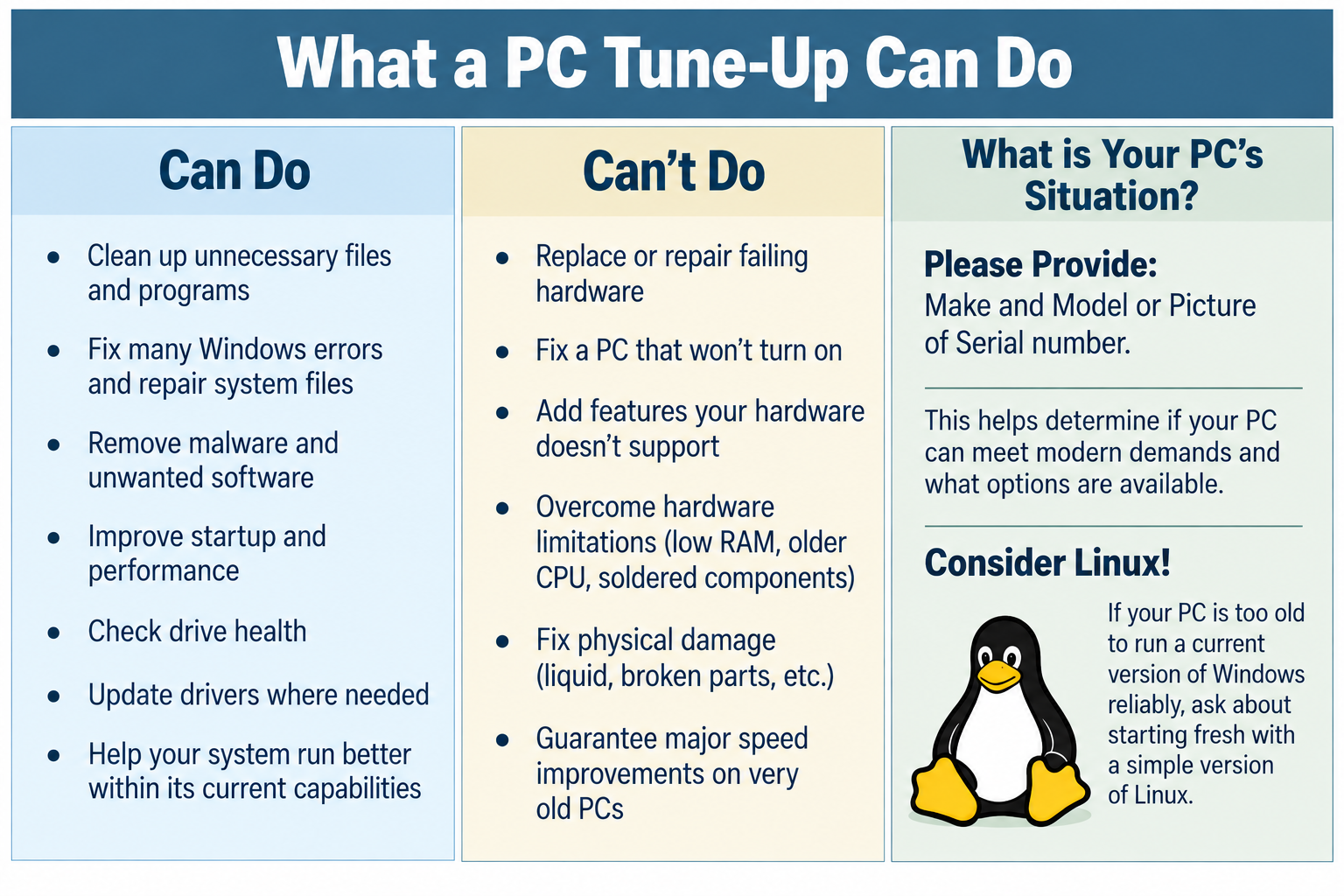
What a PC Tune-Up Can Do

What a PC Tune-Up Can Do. Can Do: Clean up unnecessary files and programs; fix many Windows errors and repair system files; remove malware and unwanted software; improve startup and performance; check drive health; update drivers where needed; help your system run better within its current capabilities. Can’t Do: Replace or repair failing hardware; fix a PC that won’t turn on; add features your hardware doesn’t support; overcome hardware limitations such as low RAM, an older CPU or soldered components; fix physical damage; guarantee major speed improvements on very old PCs. What is Your PC’s Situation? Please provide make and model or a picture of the serial number. This helps determine if your PC can meet modern demands and what options are available. Consider Linux: if your PC is too old to run a current version of Windows reliably, ask about starting fresh with a simple version of Linux.

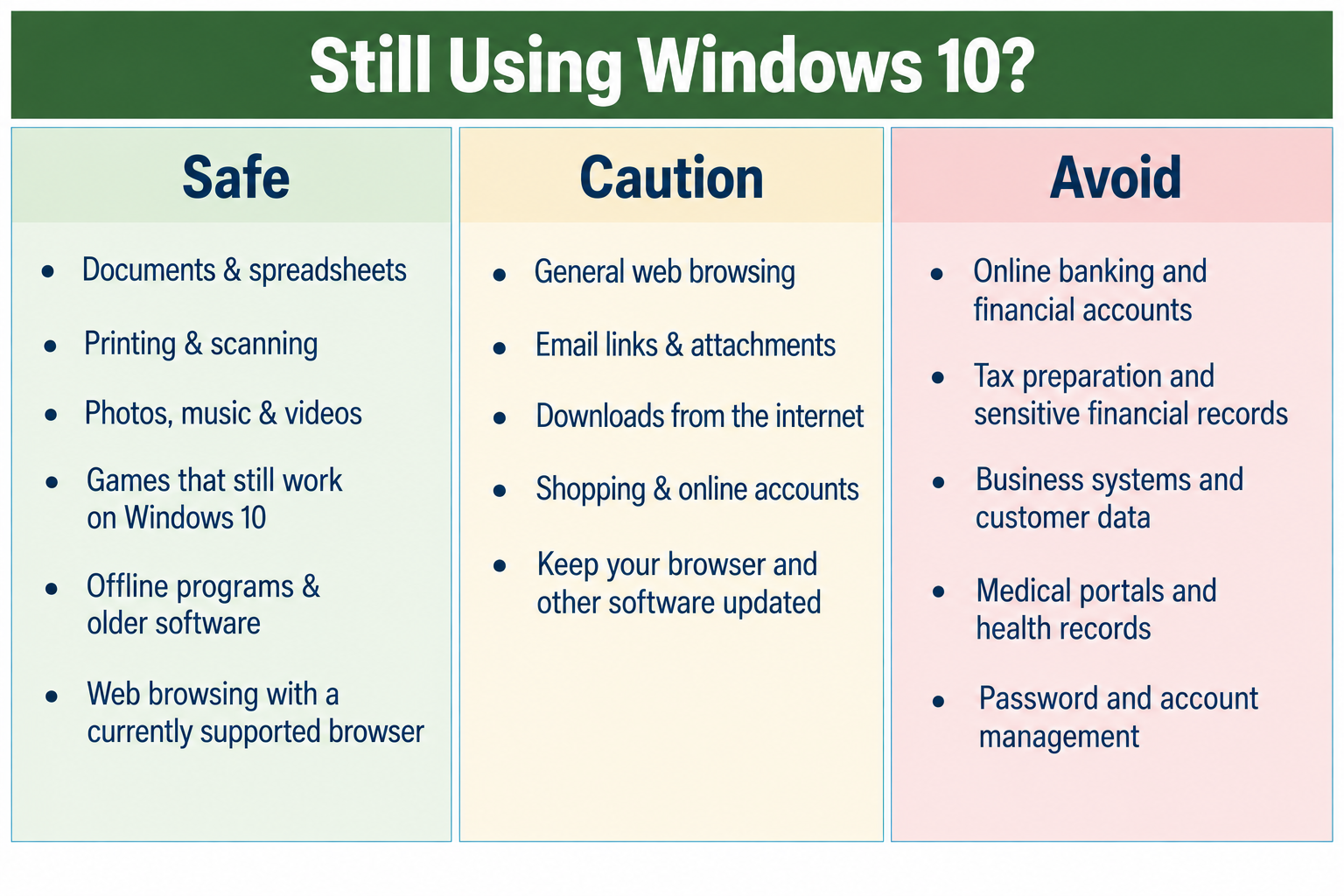
Still Using Windows 10?

Still Using Windows 10?. Safe: Documents and spreadsheets; printing and scanning; photos, music and videos; games that still work on Windows 10; offline programs and older software; web browsing with a currently supported browser. Caution: General web browsing; email links and attachments; downloads from the internet; shopping and online accounts. Keep your browser and other software updated. Avoid: Online banking and financial accounts; tax preparation and sensitive financial records; business systems and customer data; medical portals and health records; password and account management.

PC PARTS 101

A simple look inside your computer.

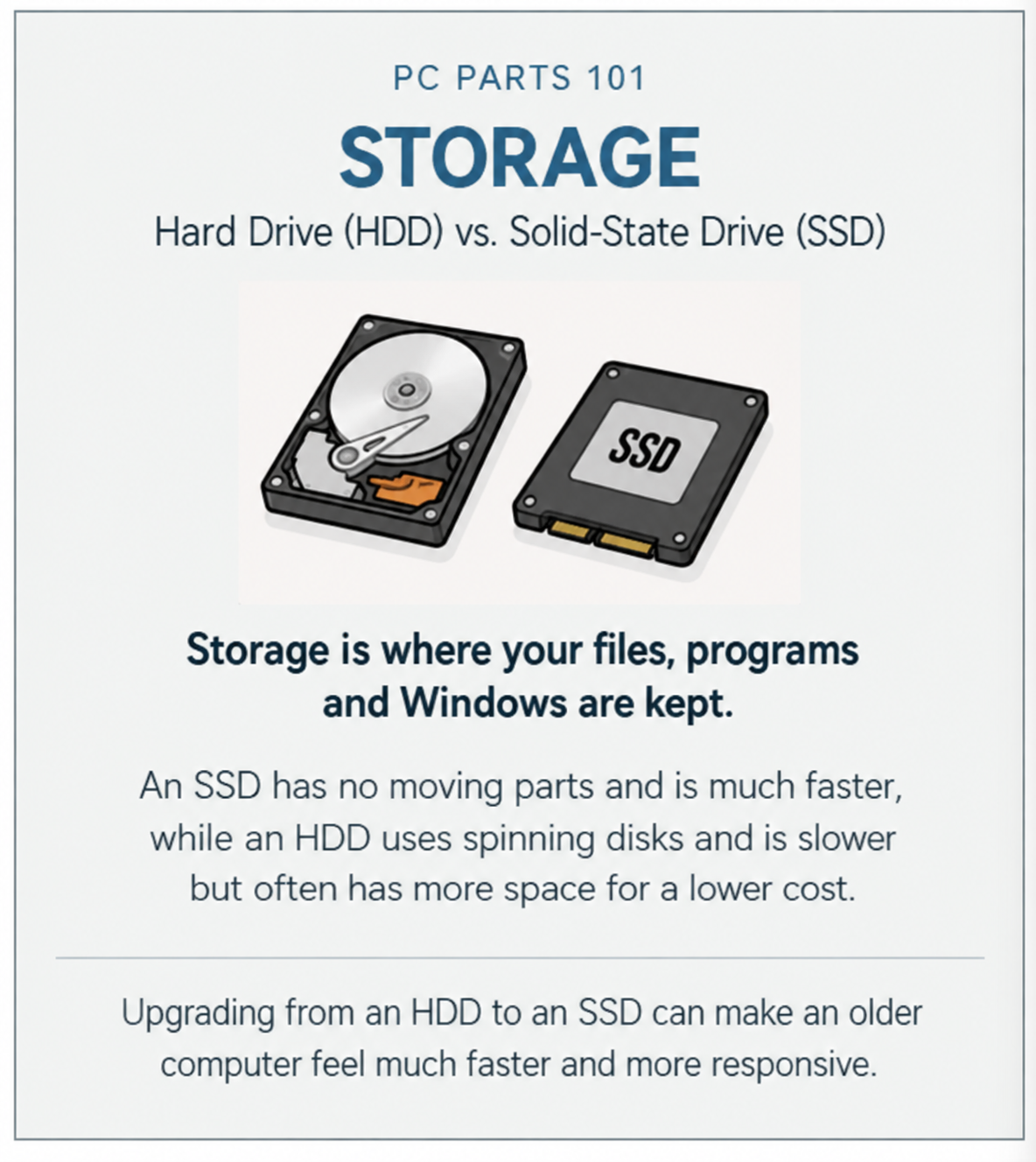
Storage

Storage. Hard drive (HDD) vs. solid-state drive (SSD). Storage is where your files, programs and Windows are kept. An SSD has no moving parts and is much faster, while an HDD uses spinning disks and is slower but often has more space for a lower cost. Upgrading from an HDD to an SSD can make an older computer feel much faster and more responsive.

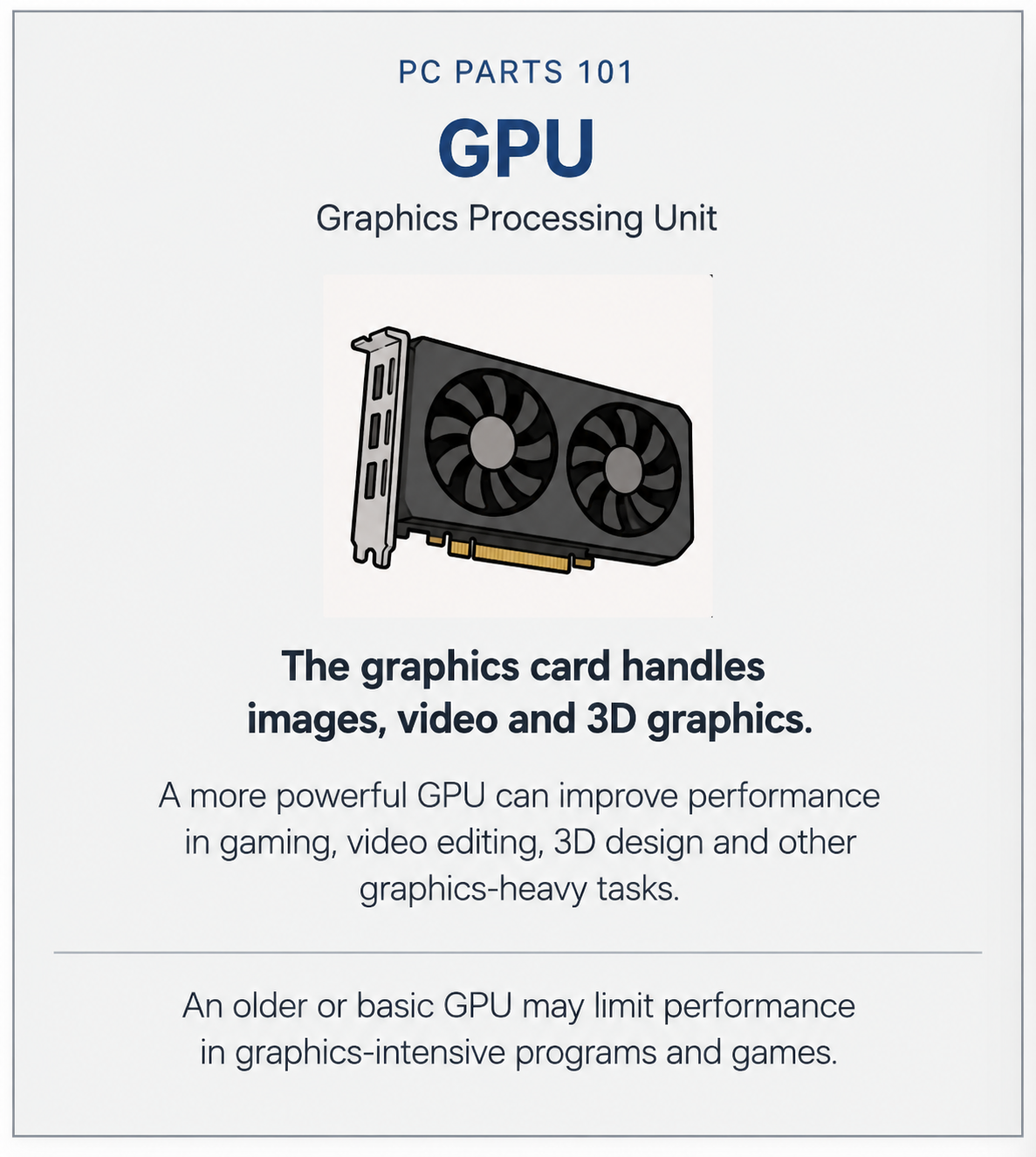
GPU

GPU. Graphics Processing Unit. The graphics card handles images, video and 3D graphics. A more powerful GPU can improve performance in gaming, video editing, 3D design and other graphics-heavy tasks. An older or basic GPU may limit performance in graphics-intensive programs and games.

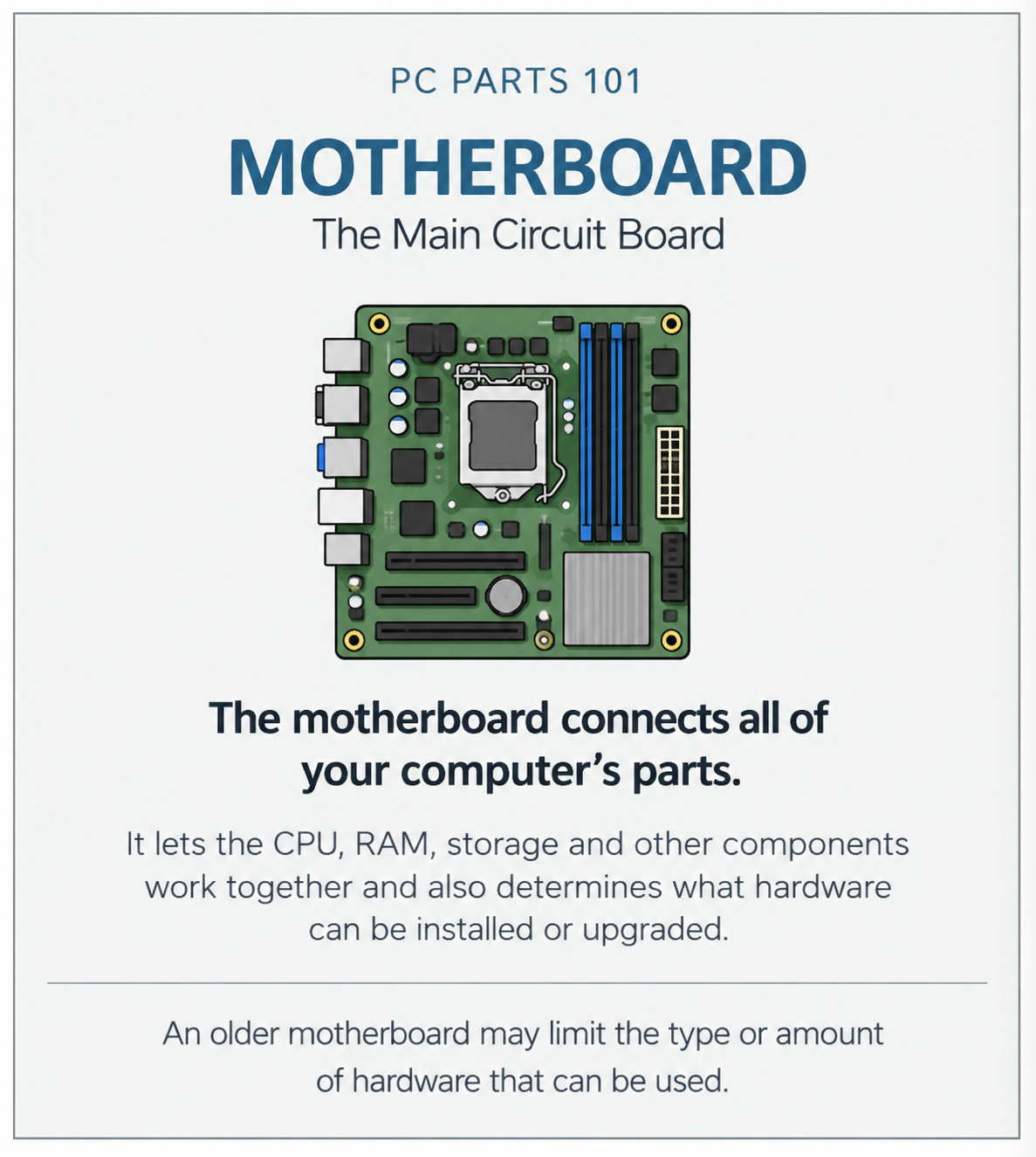
Motherboard

Motherboard. The main circuit board. The motherboard connects all of your computer’s parts. It lets the CPU, RAM, storage and other components work together and also determines what hardware can be installed or upgraded. An older motherboard may limit the type or amount of hardware that can be used.

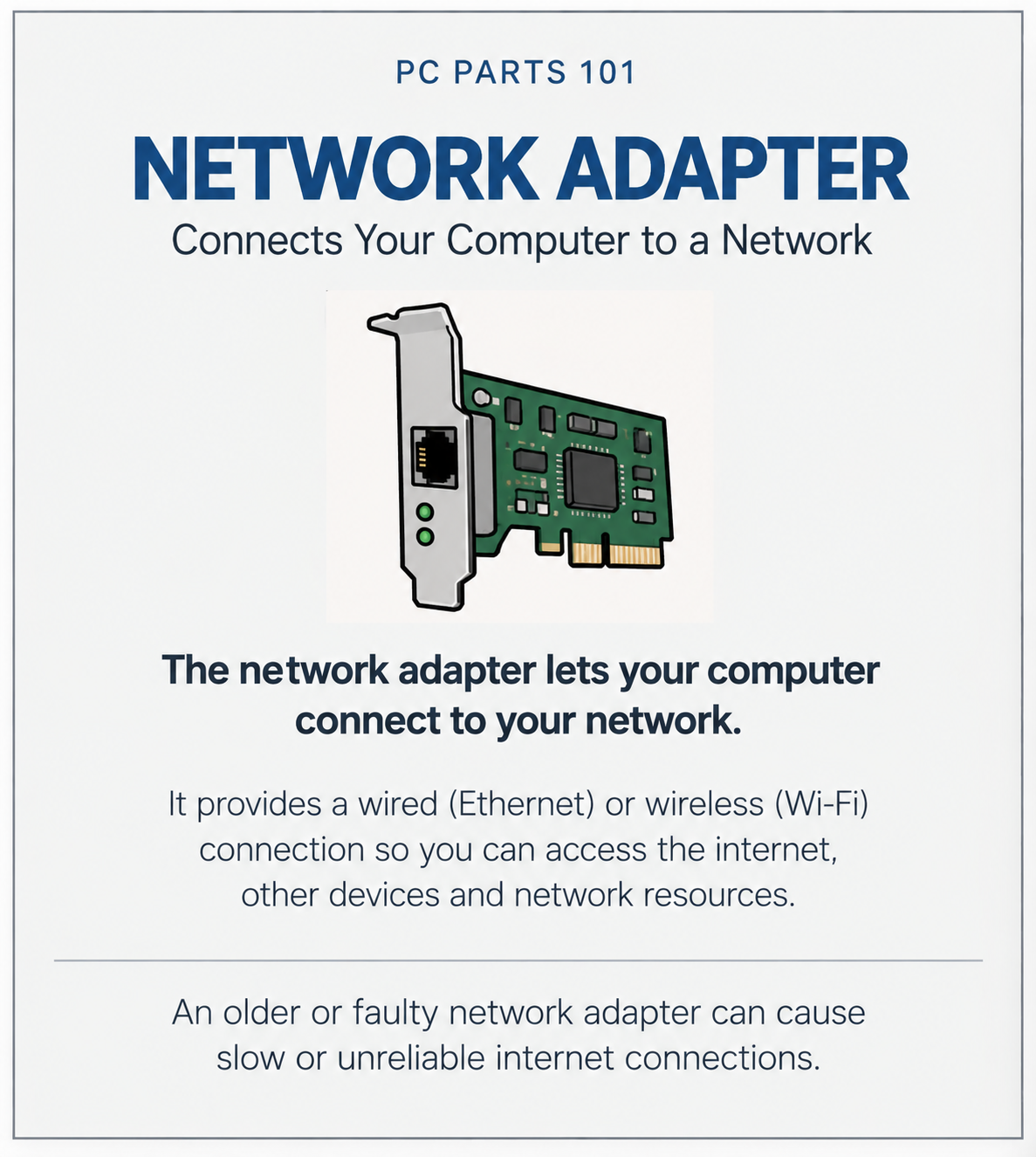
Network Adapter

Network Adapter. Connects your computer to a network. It provides a wired Ethernet or wireless Wi-Fi connection so you can access the internet, other devices and network resources. An older or faulty network adapter can cause slow or unreliable internet connections.

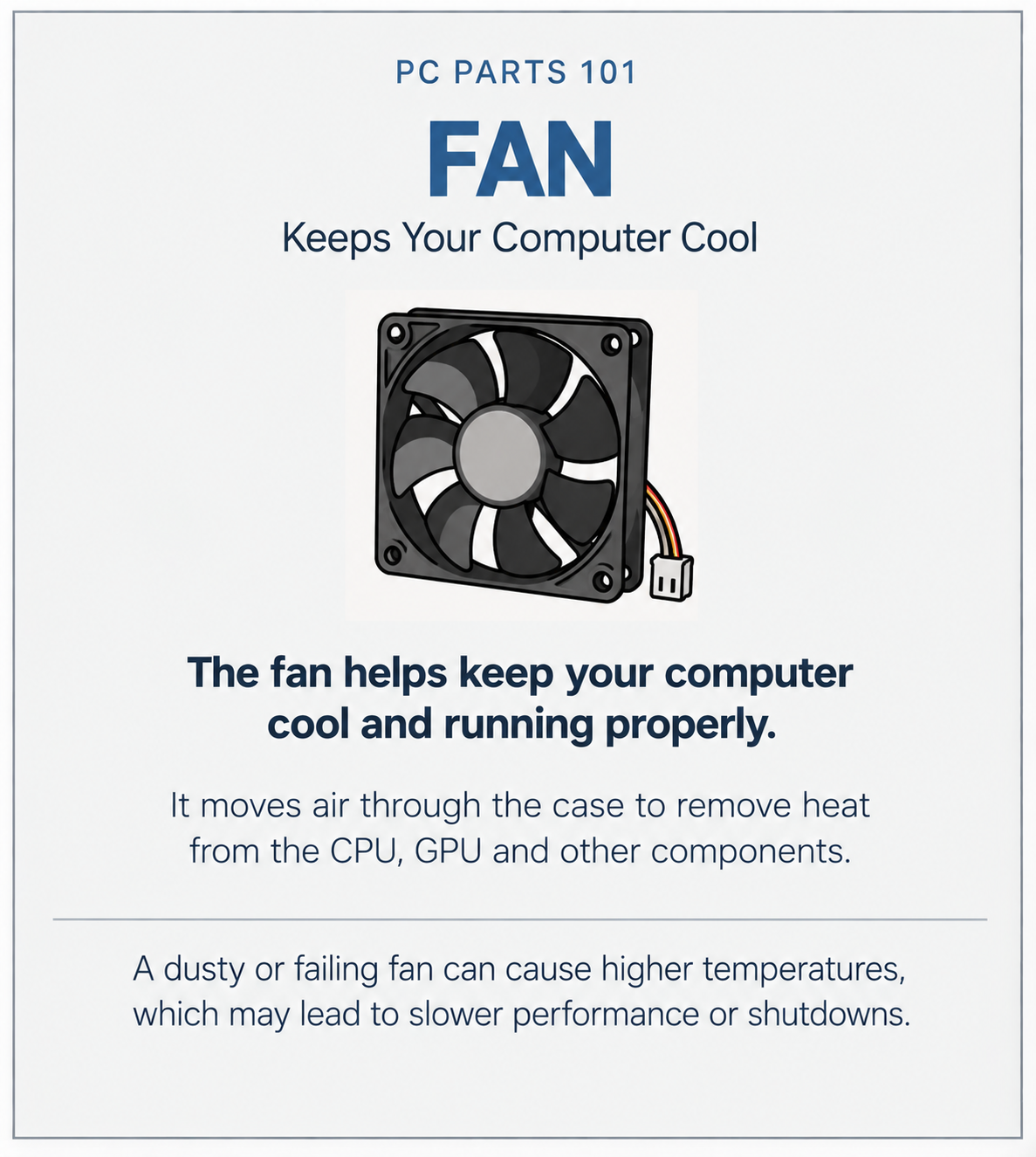
Fan

Fan. Keeps your computer cool. The fan helps keep your computer cool and running properly. It moves air through the case to remove heat from the CPU, GPU and other components. A dusty or failing fan can cause higher temperatures, which may lead to slower performance or shutdowns.

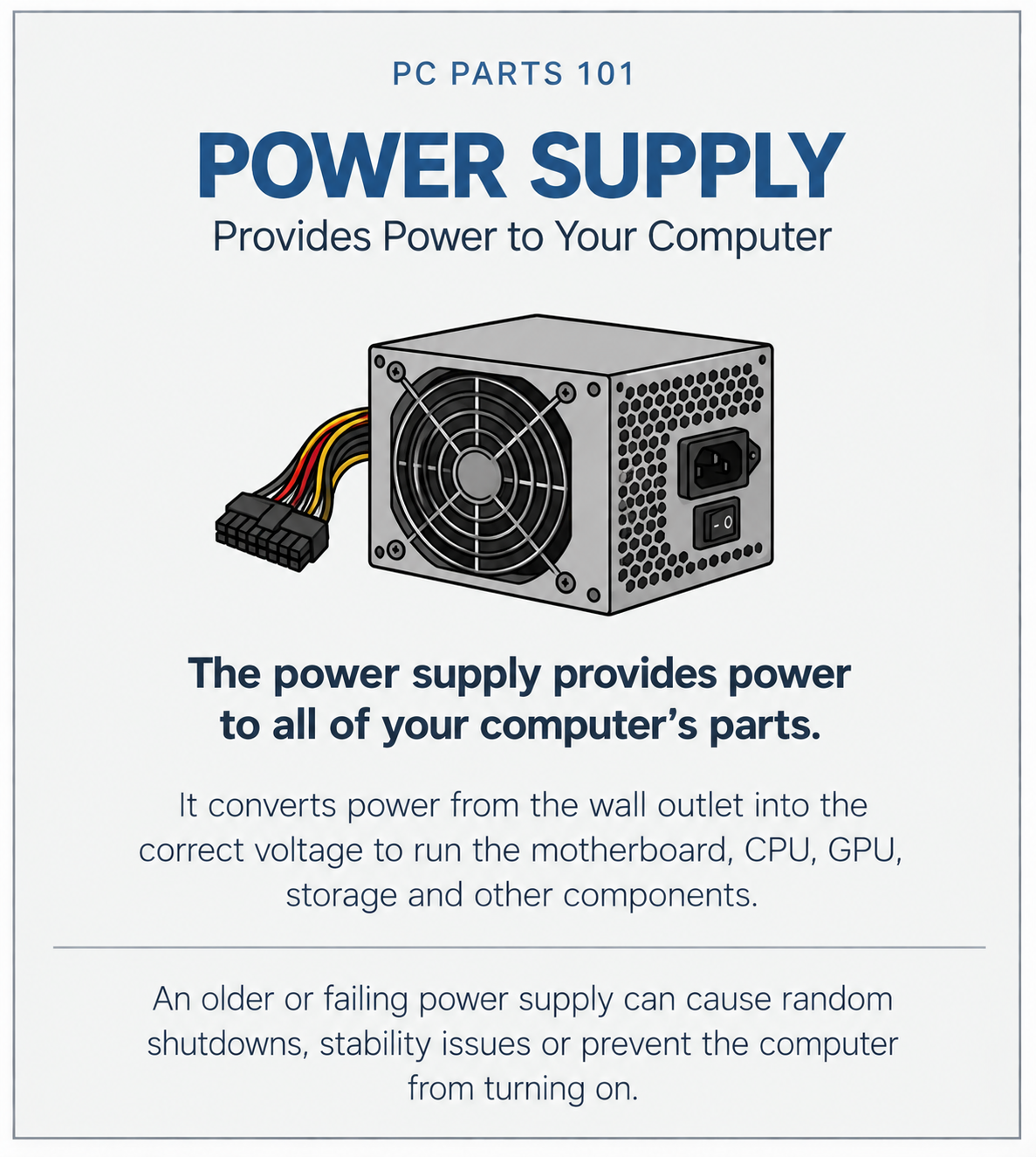
Power Supply

Power Supply. Provides power to your computer. The power supply provides power to all of your computer’s parts. It converts power from the wall outlet into the correct voltage to run the motherboard, CPU, GPU, storage and other components. An older or failing power supply can cause random shutdowns, stability issues or prevent the computer from turning on.

Call or text Tony

(570) 225-9002

Call TonyText Tony

Email Tony

hello@tonythetech.net

Open email app

If your email app doesn’t open, copy the address into a new message.